
Welcome to the Photo Gallery where you can view a selection of images from our group library; we hope you will enjoy seeing them.
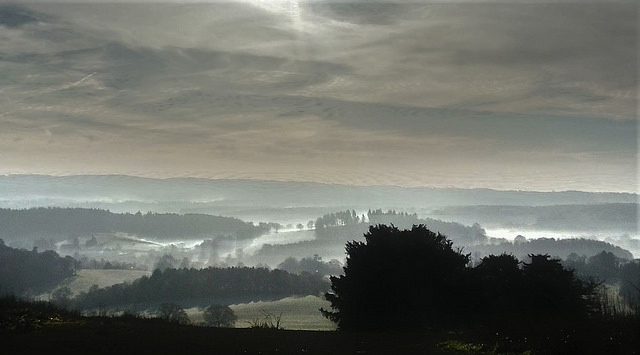
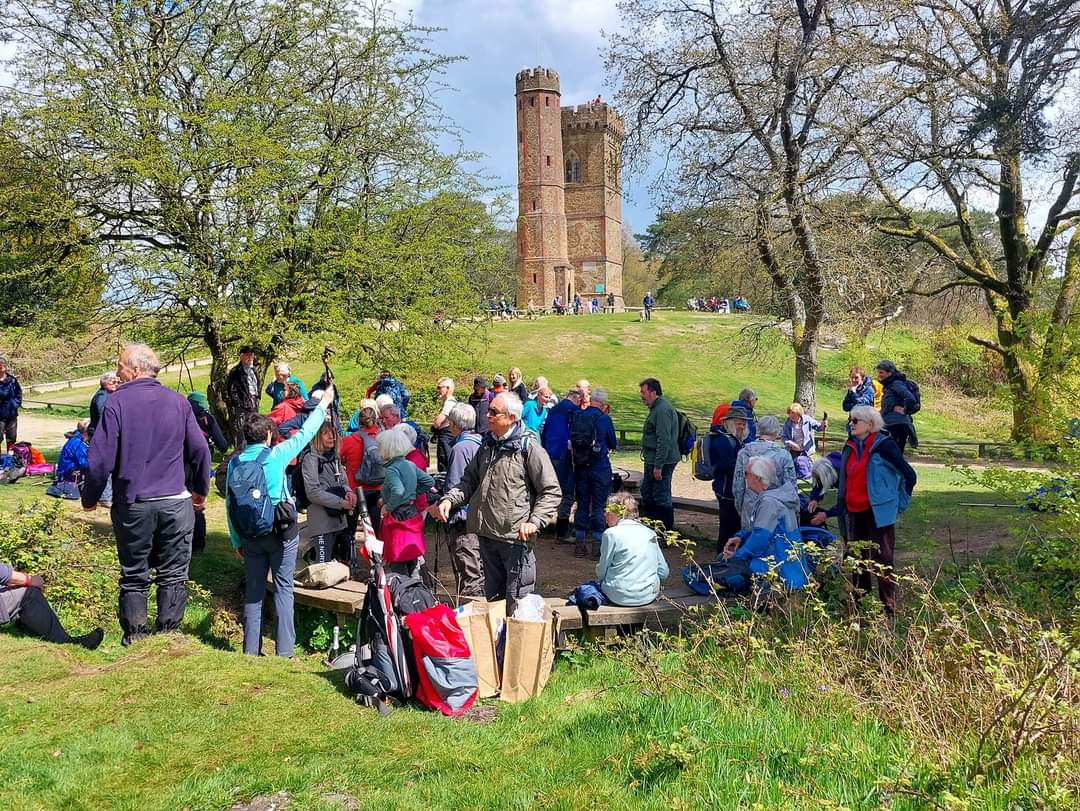
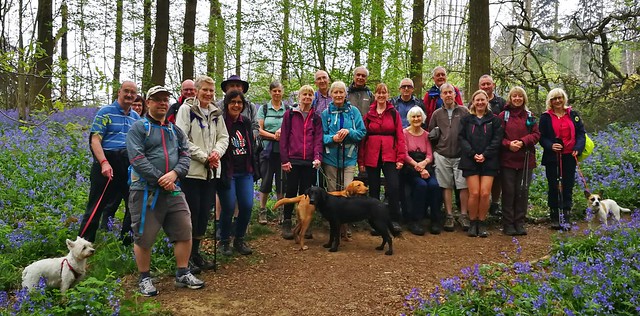
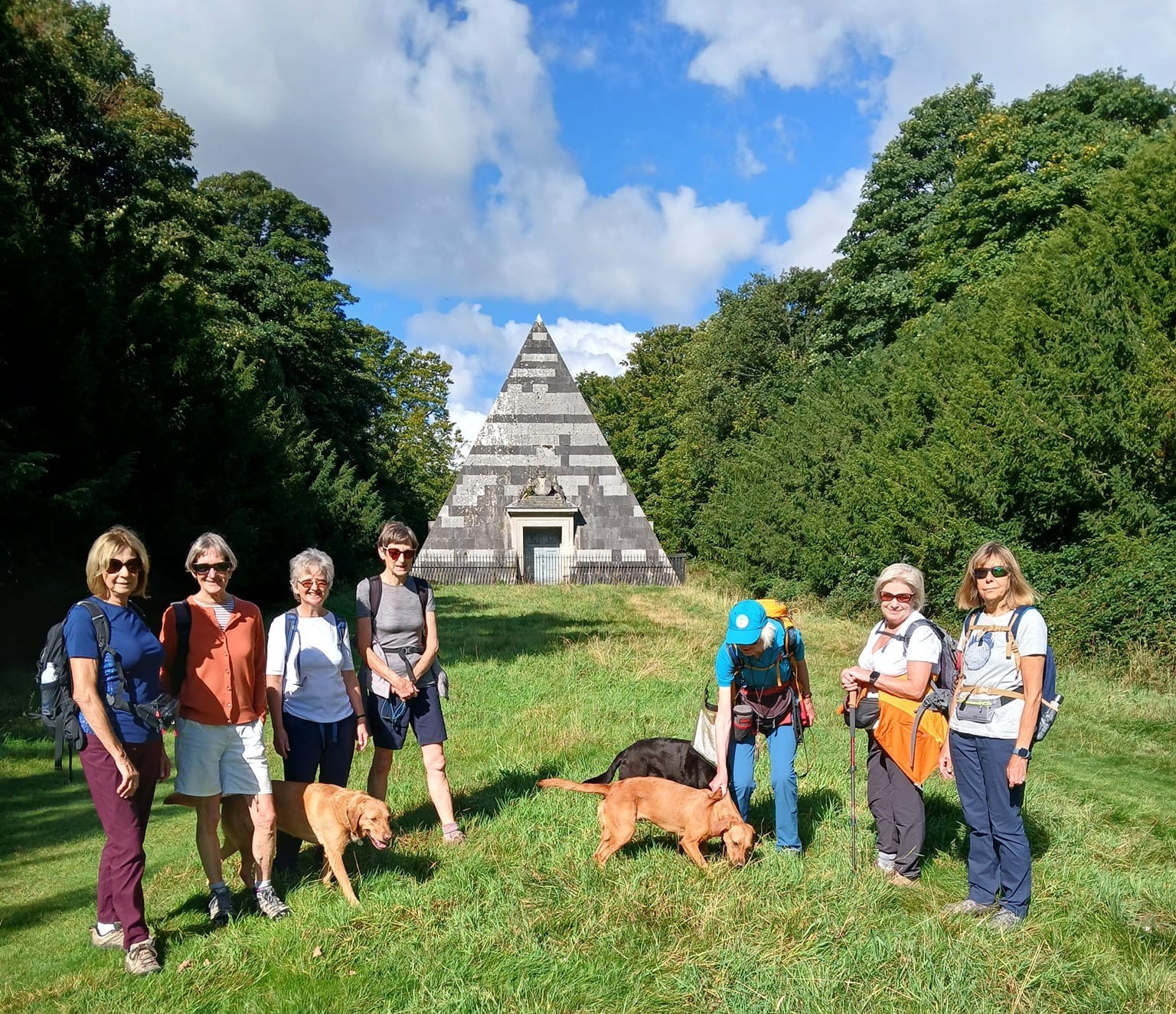
These have been organised into a number of albums, as shown below. To open an album, just click on the photograph and you will be taken to the Flickr website where our albums are stored.
Each album will open in a new window and you will find instructions on how to navigate around them at the bottom of this page.
| The Walks Collection | Local Beauty Spots | MVR Archive |
 |
 |
 |
Spring Walks Festivals
| 2024 | 2023 | 2019 see report | 2018 |
 |
 |
 |
 |
| 2017 | |||
 |
MVR Group Holidays
| 2024 Norfolk | |||
 |
Midsummer Coach Trips
| 2019 | 2018 | 2016 | 2015 |
 |
 |
 |
 |
Flickr navigation
- When viewing an album, it is first shown with the cover page followed by a Photostream showing its contents. Moving your mouse pointer over a photo will reveal its title, whereas clicking a photo will display it in a slideshow.
- You can step through the slideshow by clicking the left and right arrows shown on either side of each photo.
- As each photo is viewed, its title (and in some cases a description) will appear below it, although you might need to scroll down to see them.
- Clicking on a photo within a slideshow will cause it to be enlarged; clicking again will reduce it to its original size.
- To end a slideshow, click the Back to Album button at the top left of the page.
- Please note that when an album or photo shows a number of Views, this indicates the number of times it has been "viewed" by a visitor to the site.
